Accounting firms
The system was built for the office that issues NFS-e for many clients. Each provider has its own A1 certificate and numbering; the team issues, cancels, substitutes and sends on WhatsApp in the same flow.

National NFS-e issuance system · Emissor Nacional
Built for accounting firms. A Brazilian NFS-e issuance system on the Emissor Nacional standard: your clients’ companies in one app, operators, a shared database and DANFSe on WhatsApp — no government portal forms.
NFS-e issuance system on the Emissor Nacional standard. One program for every client company, with the team on the same database.
The system was built for the office that issues NFS-e for many clients. Each provider has its own A1 certificate and numbering; the team issues, cancels, substitutes and sends on WhatsApp in the same flow.
Group, holding or a provider with several companies: pick the tax ID at issue time and filter invoices by provider. Business plan: unlimited providers.
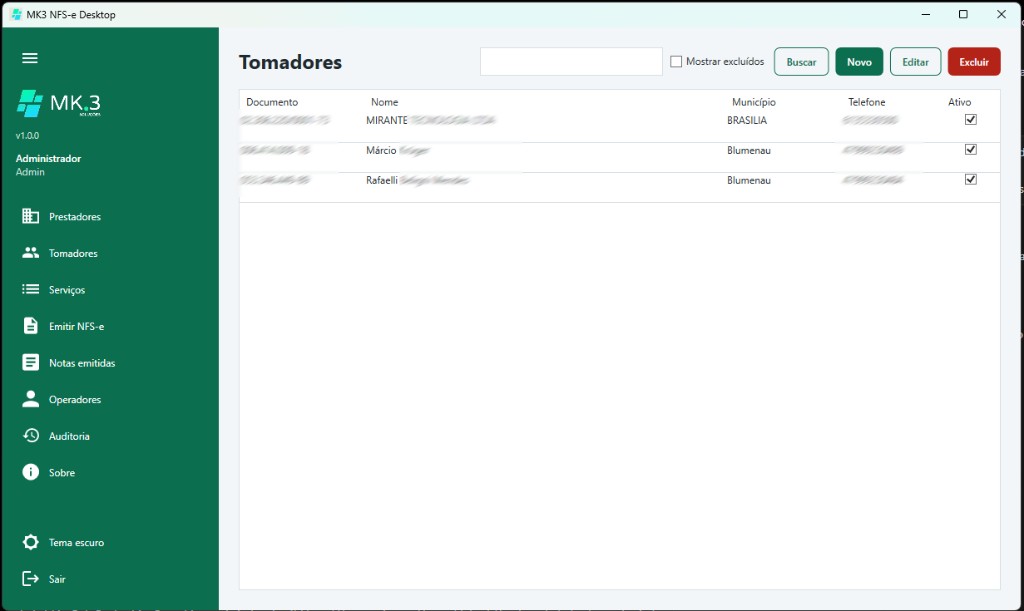
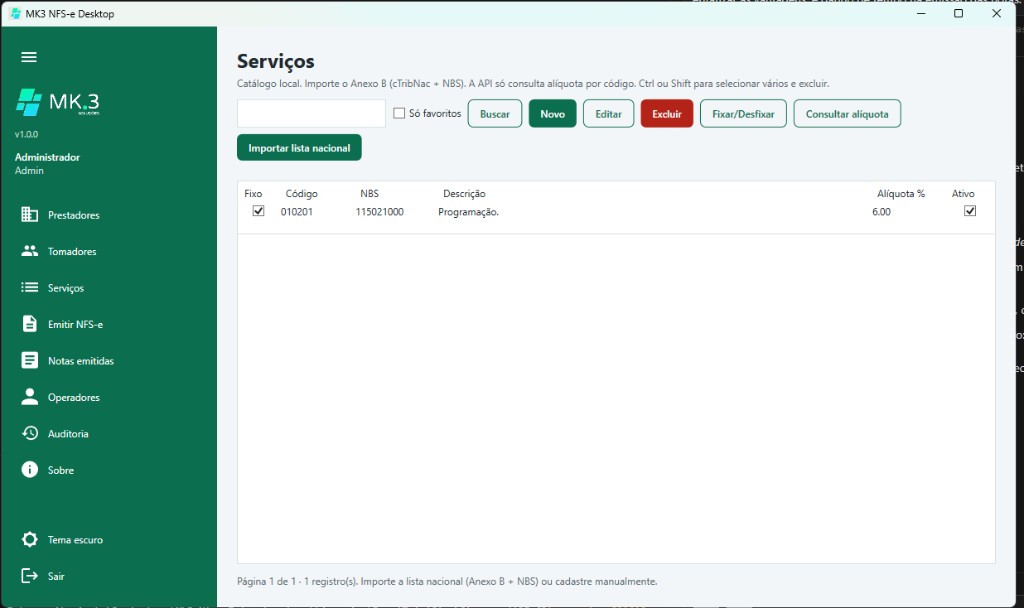
Register the client and service once. Next invoice: select, check the amount, issue and download the DANFSe. Portal rework disappears.
The NFS-e goes out through the national issuer API. No portal login on every invoice and no filling the same fields again.
One program, many providers. Each tax ID has its own certificate, DPS series and invoices — the office flow does not change per client.
Admin, issue and read-only in the same office. Each operator sees only the linked providers, with an audit trail of who issued what.
Several workstations on the same records with PostgreSQL or SQL Server. Clients, services and invoices live on the office server, not on a single PC.
After issuing, send the DANFSe to the client on WhatsApp from the invoice list — no manual export and attach.
Switch the theme in the menu. The preference stays on this computer, for whoever prefers a light or dark screen.
National NFS-e issuance system on the Emissor Nacional standard — the accounting-office flow: providers, clients, services, issue, WhatsApp and substitution.
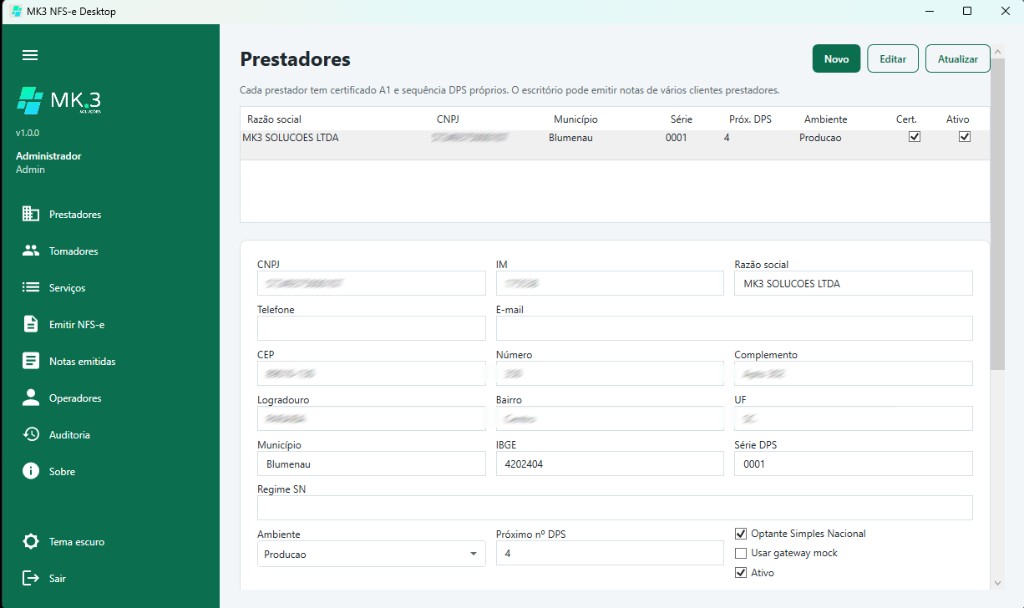
Register several companies in one app. Each provider has its own A1 certificate, series and DPS numbering — the accounting-office flow.
Windows 10 or 11 (64-bit). Install once; later versions apply automatically when you open the app.
The trial starts on the first login and lasts 15 days. After that the app requires a MK3 license.
Ongoing use requires a Starter or Business license issued by MK3 Soluções Ltda.
It greatly improved our invoice issuing, simplifying the process and sending the invoice via WhatsApp.
Billed monthly by plan. The 15-day trial follows Starter limits.
R$ 59
per month
R$ 189
per month
Request the key at contato@mk3.tech. Upgrade from Starter to Business without reinstalling.
After the first Setup install, the app checks this website on startup. If a new version exists, it downloads and reinstalls itself.